

Dashboard
A Supabase-style admin SPA served at /dashboard. React, Vite and shadcn/ui, with its own
build.
Two ways in
Section titled “Two ways in”Through the control plane. The normal path: sign in with a platform account, pick a
project, and the dashboard exchanges your membership for a project token per project you open.
On a fresh deployment it first probes setup-status and renders an install wizard instead of
the sign-in form.
Key-only. A grove dev server has no control plane — it has exactly one project, and the
key embeds its id. So the CLI prints:
http://localhost:8099/dashboard?key=gb_sk_proj_dev.…#/The dashboard stores the key and strips it from the address bar so it does not linger in
history. After the first visit, http://localhost:8099/dashboard#/ is enough.
Sections that need the control plane — Connections, Environments — are hidden in that mode rather than left to fail with a 401 you cannot act on.
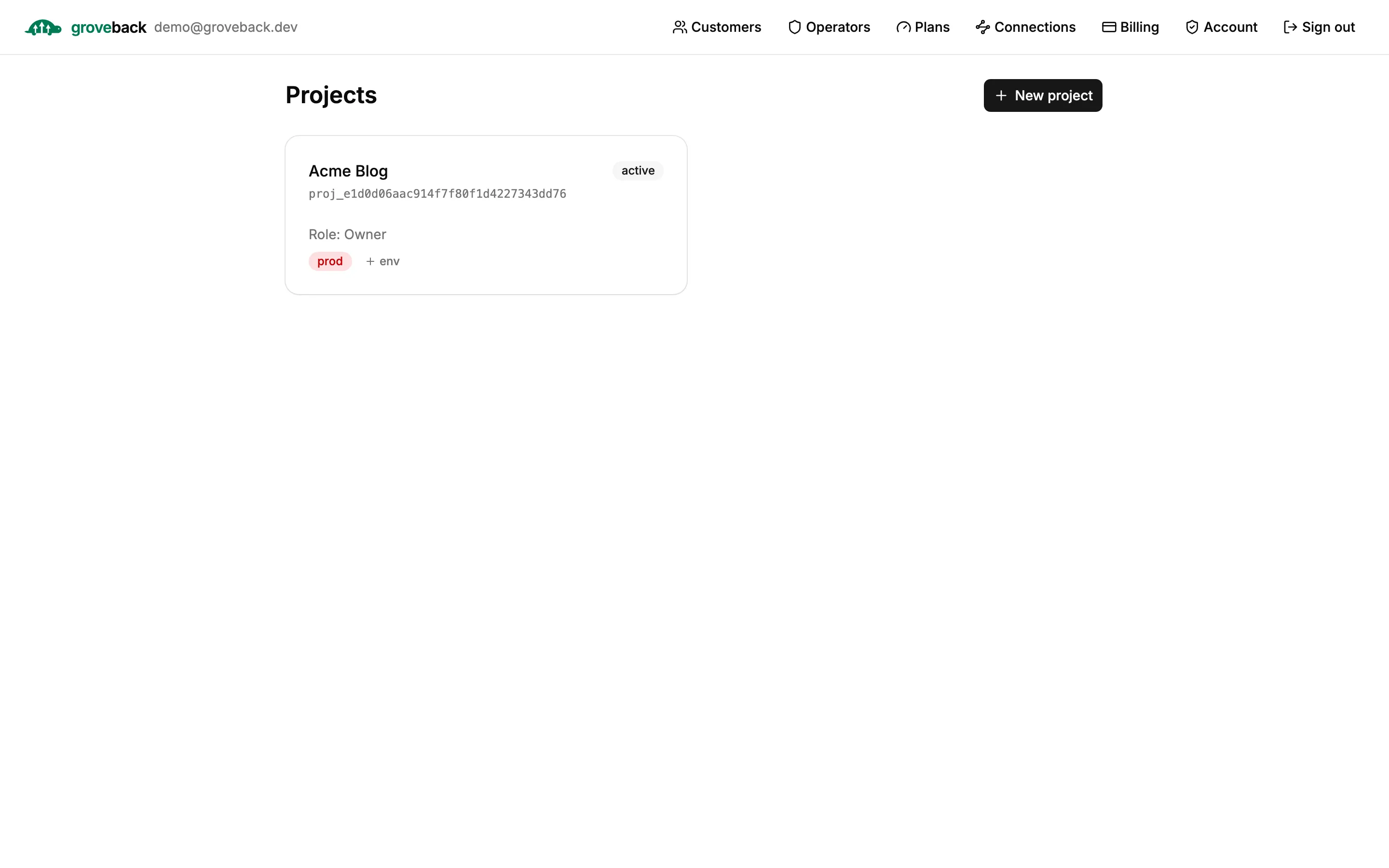
The project list
Section titled “The project list”Every project you are a member of. Environments group inside their root project’s card, so a
project with dev and staging shows them as badges rather than as separate entries.
Sections
Section titled “Sections”The sidebar groups sections as Project, Build and Manage.
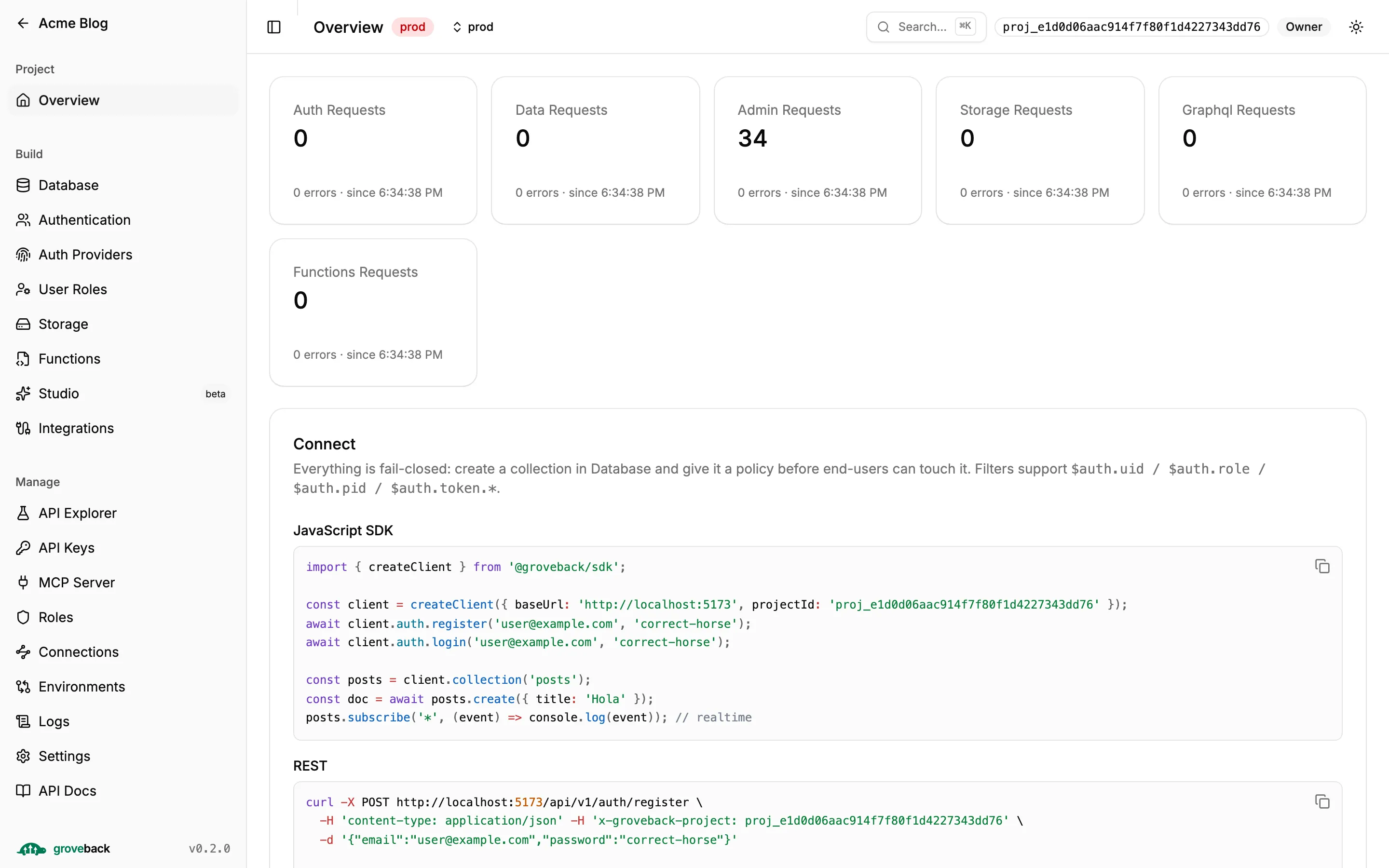
Overview
Section titled “Overview”Per-plane request counters, plan usage, and a Connect panel with ready-to-paste SDK snippets carrying this project’s id.
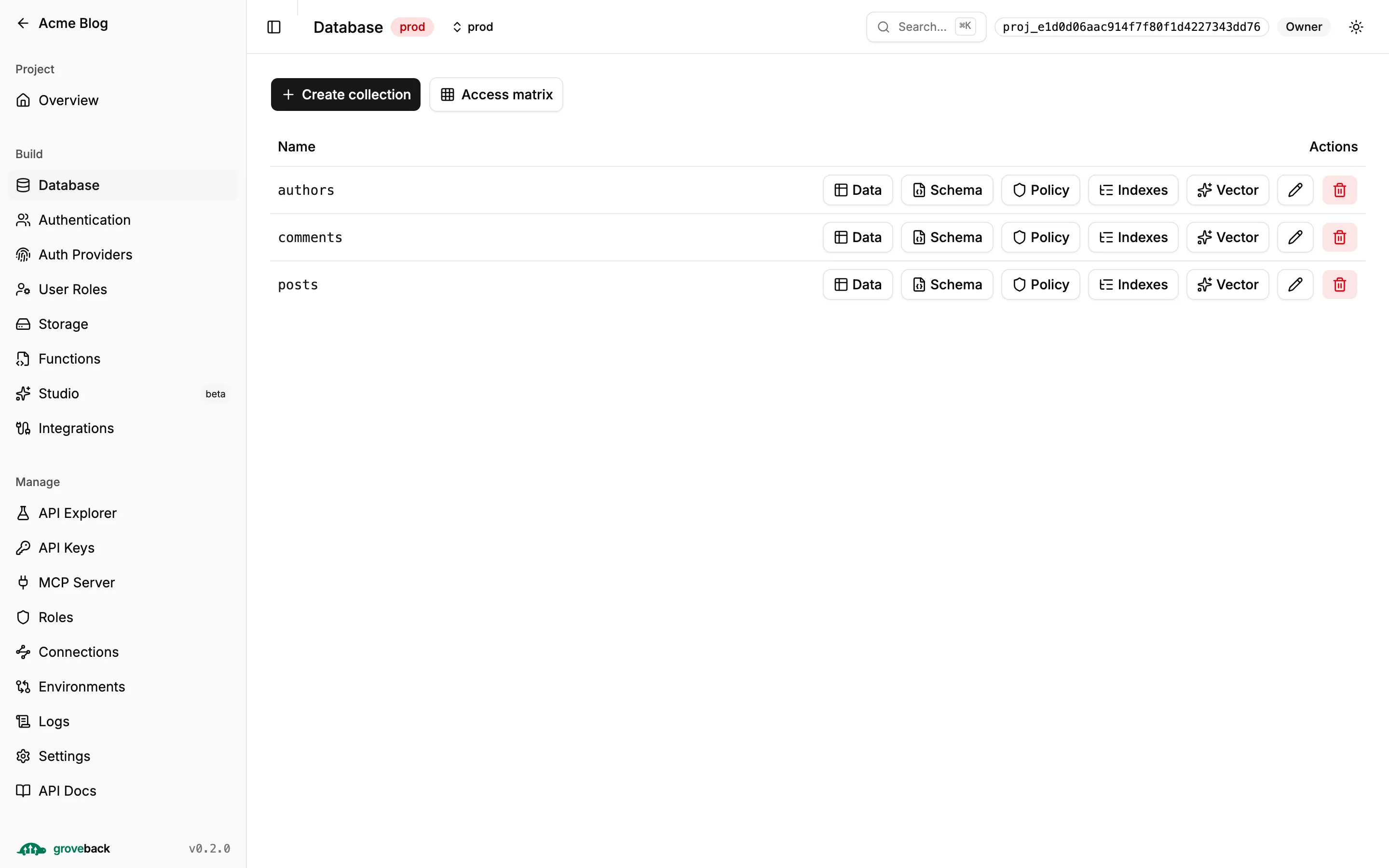
Database
Section titled “Database”Your collections, each with its schema, policy, indexes and vector config.
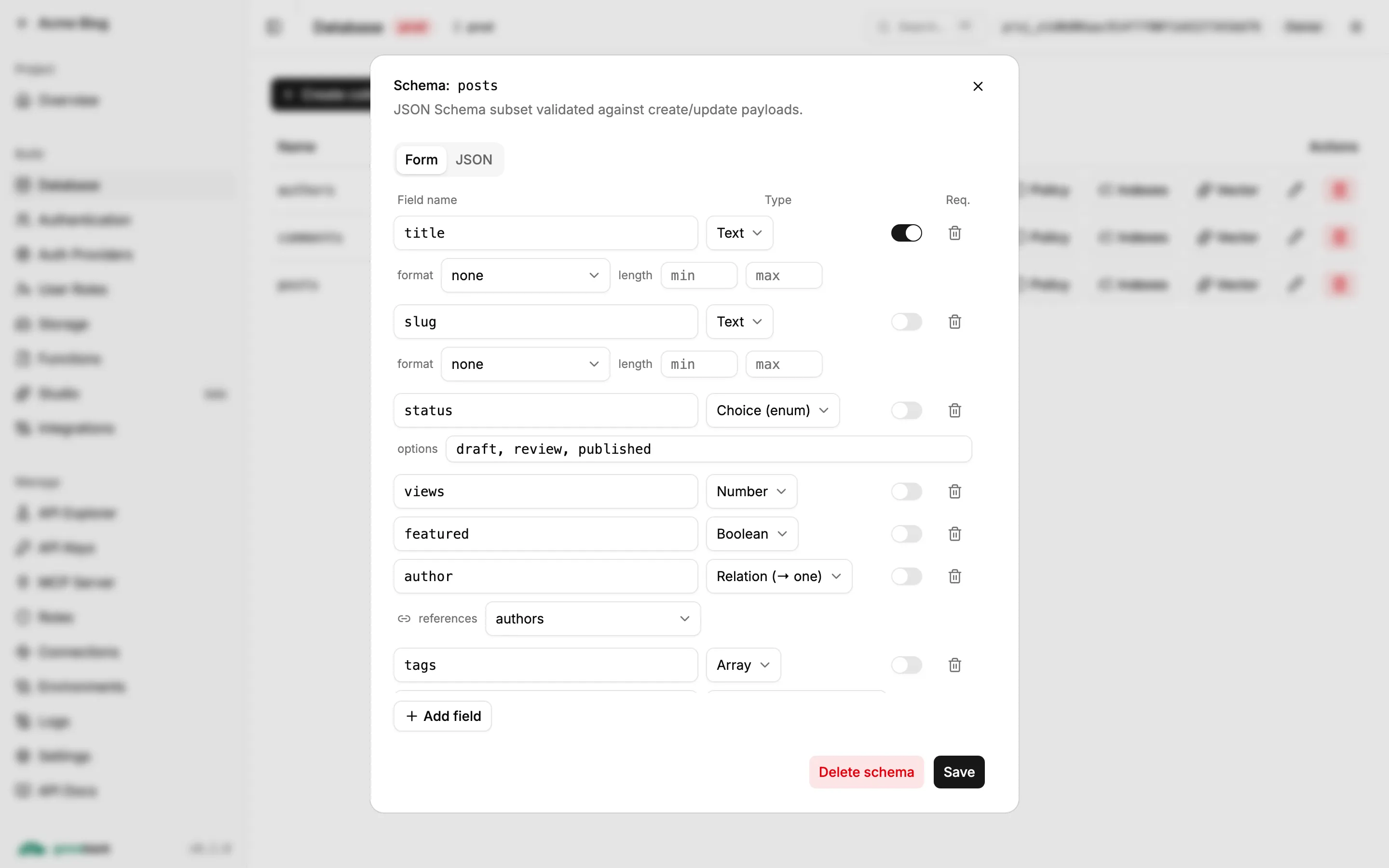
Schema
Section titled “Schema”A JSON Schema subset, edited as a form or as raw JSON. The type picker covers text, number,
boolean, arrays, Choice (enum) with its options, and Relation (→ one) with the collection it
references — which is how relations are declared.
Policy
Section titled “Policy”The data plane is fail-closed: with no policy, non-admin access is denied. Rules are
per-operation, and a filter scopes which documents a caller may touch — $auth.uid,
$auth.role, $auth.pid and $auth.token.* are substituted at request time.
Start from a template, then refine. Test access is the part worth knowing about: pick a caller and an operation and it shows whether the policy allows it and which rule decided, so a denial is traceable instead of mysterious.
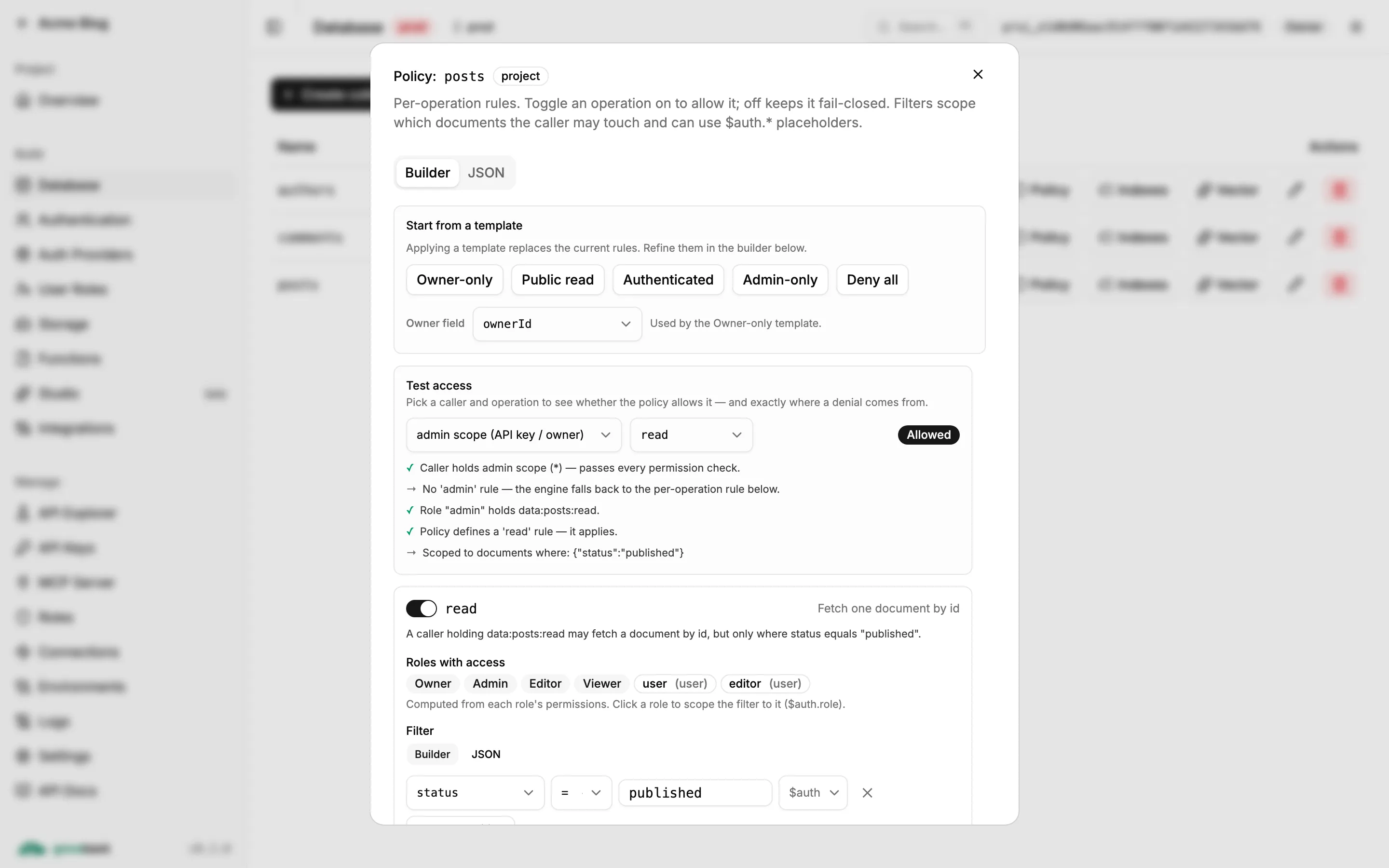
See Policies for the model.
Browse and edit documents. Click any column header to sort (ascending → descending → off), and
Filters builds a query from field/operator/value rows — eq, ne, contains, gt, gte,
lt, lte — combined with AND.
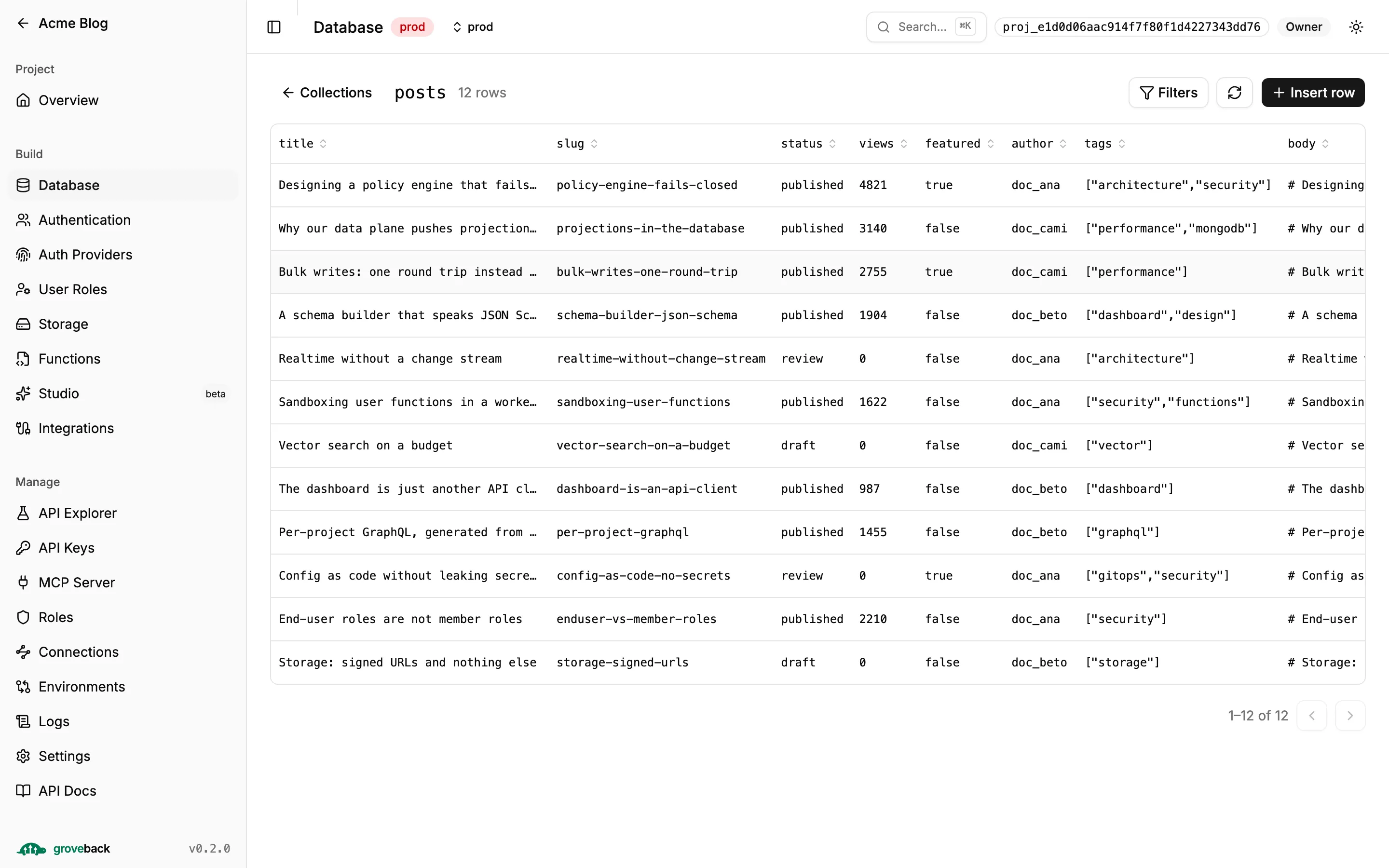
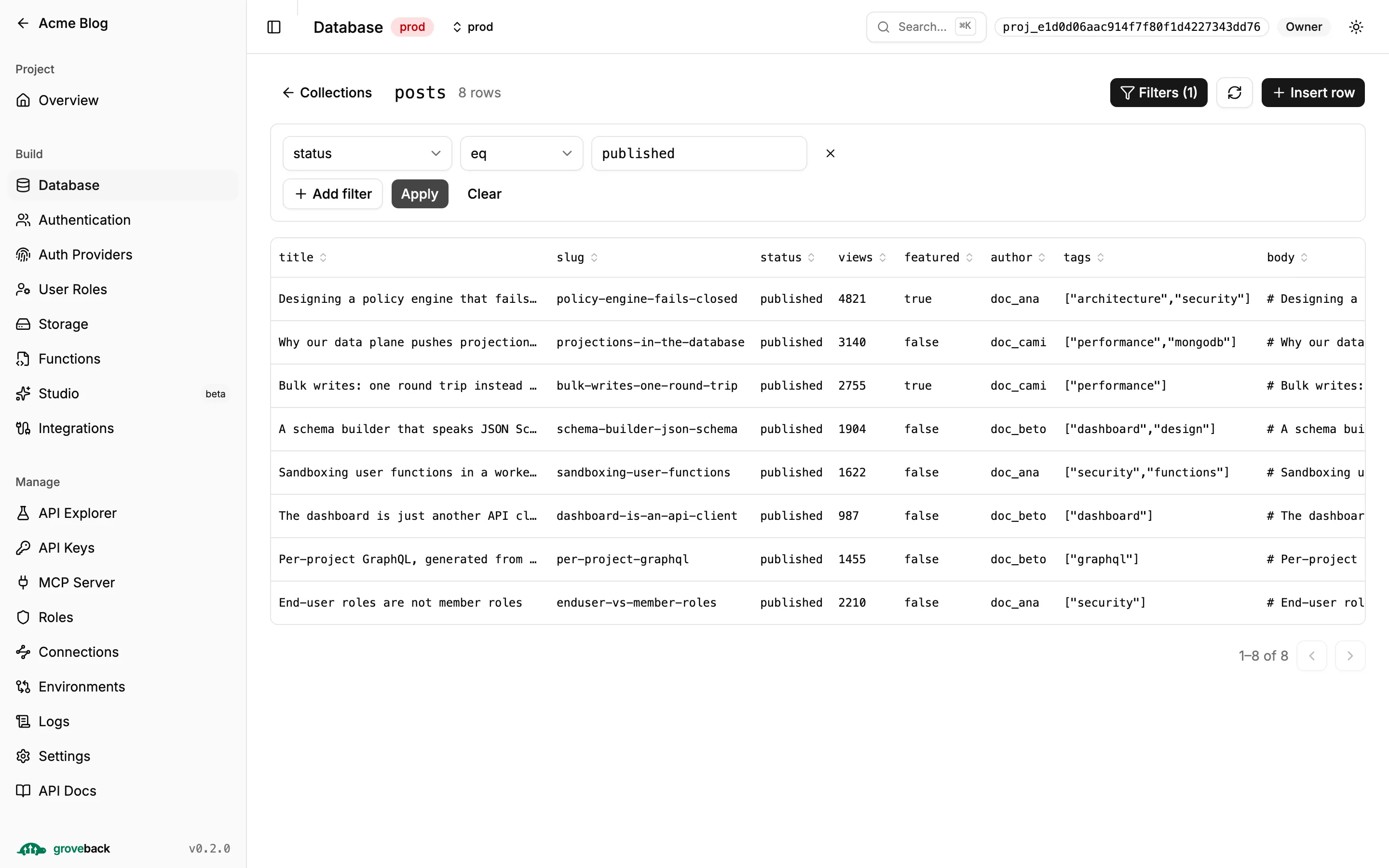
This view uses the admin routes, which bypass policy filters — that is what makes it an admin browser. Schema validation still applies to every write.
Authentication
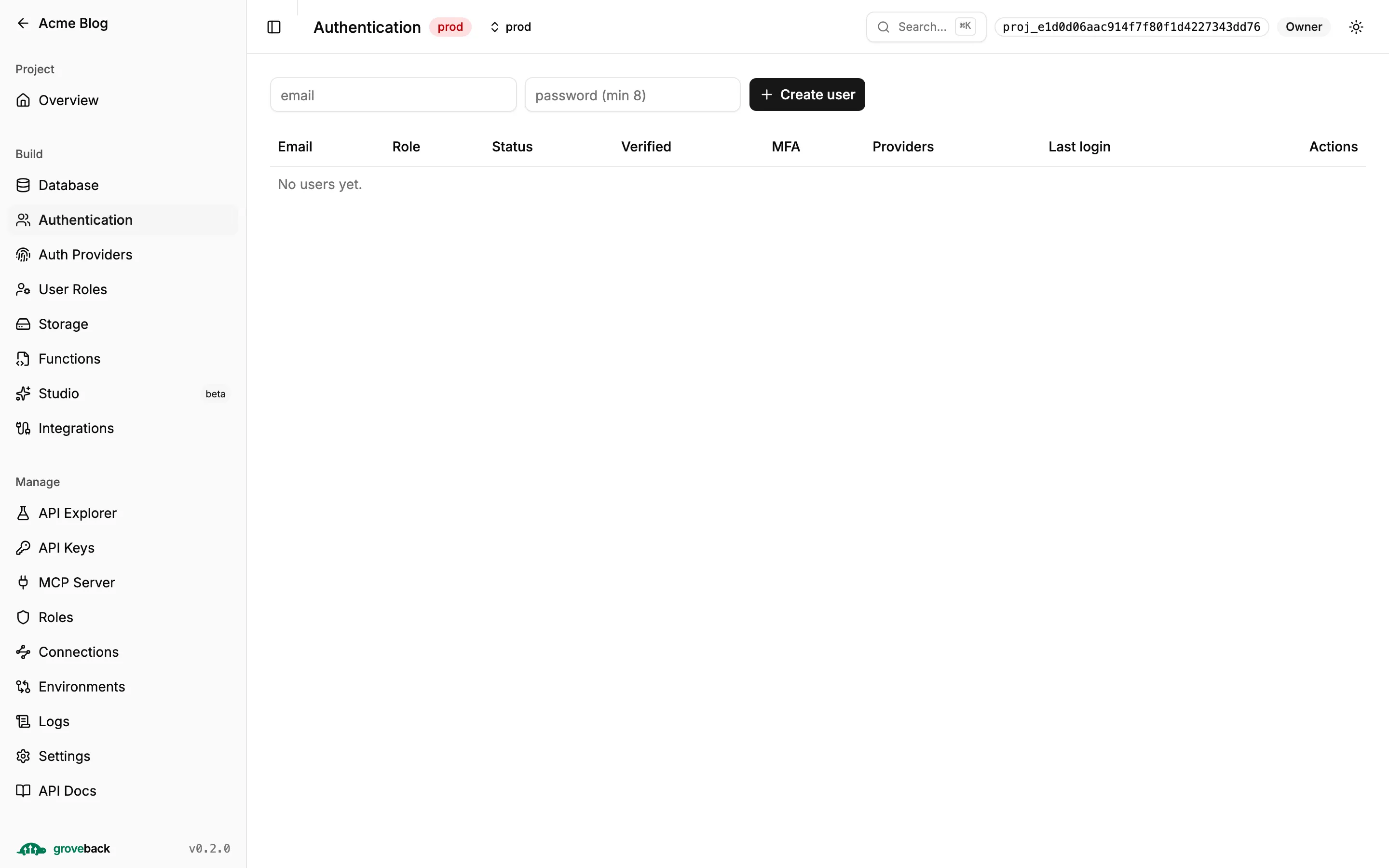
Section titled “Authentication”End users: create, edit, and the activate / deactivate / block transitions.
User Roles
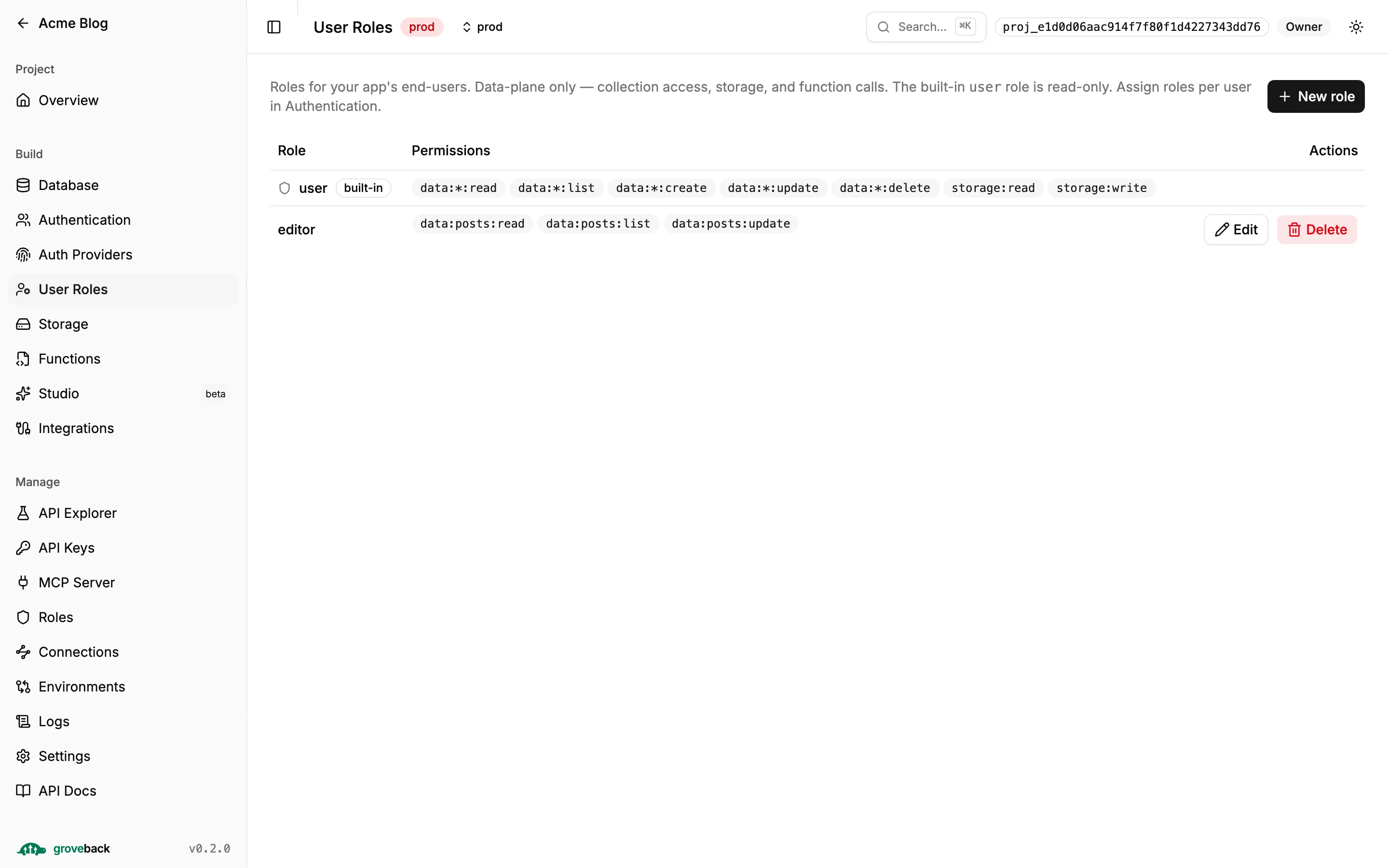
Section titled “User Roles”End-user roles are a separate namespace from member roles, and they accept data-plane permissions only. See Roles.
Storage
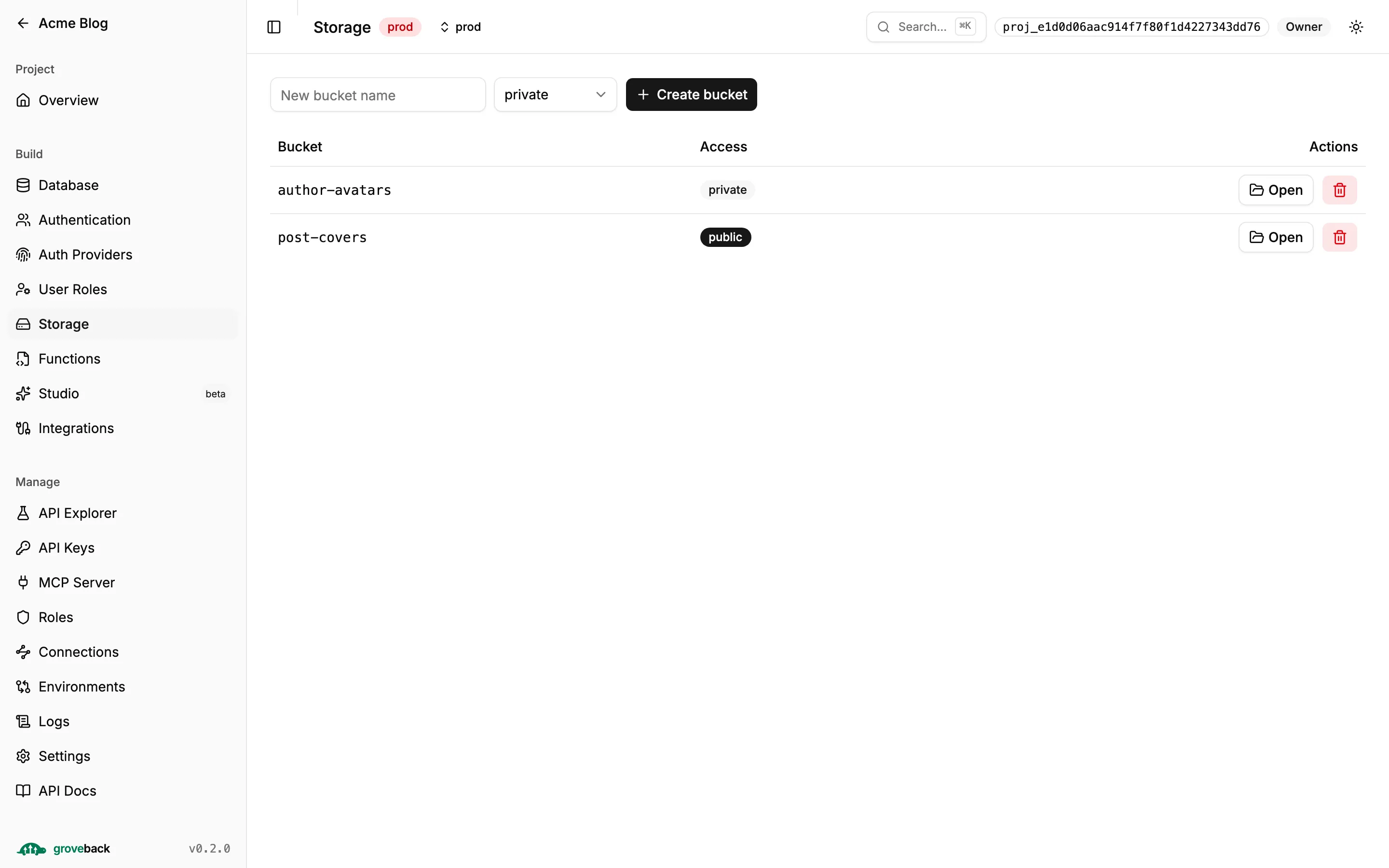
Section titled “Storage”Buckets, files and access. Downloads go through signed URLs.
Functions
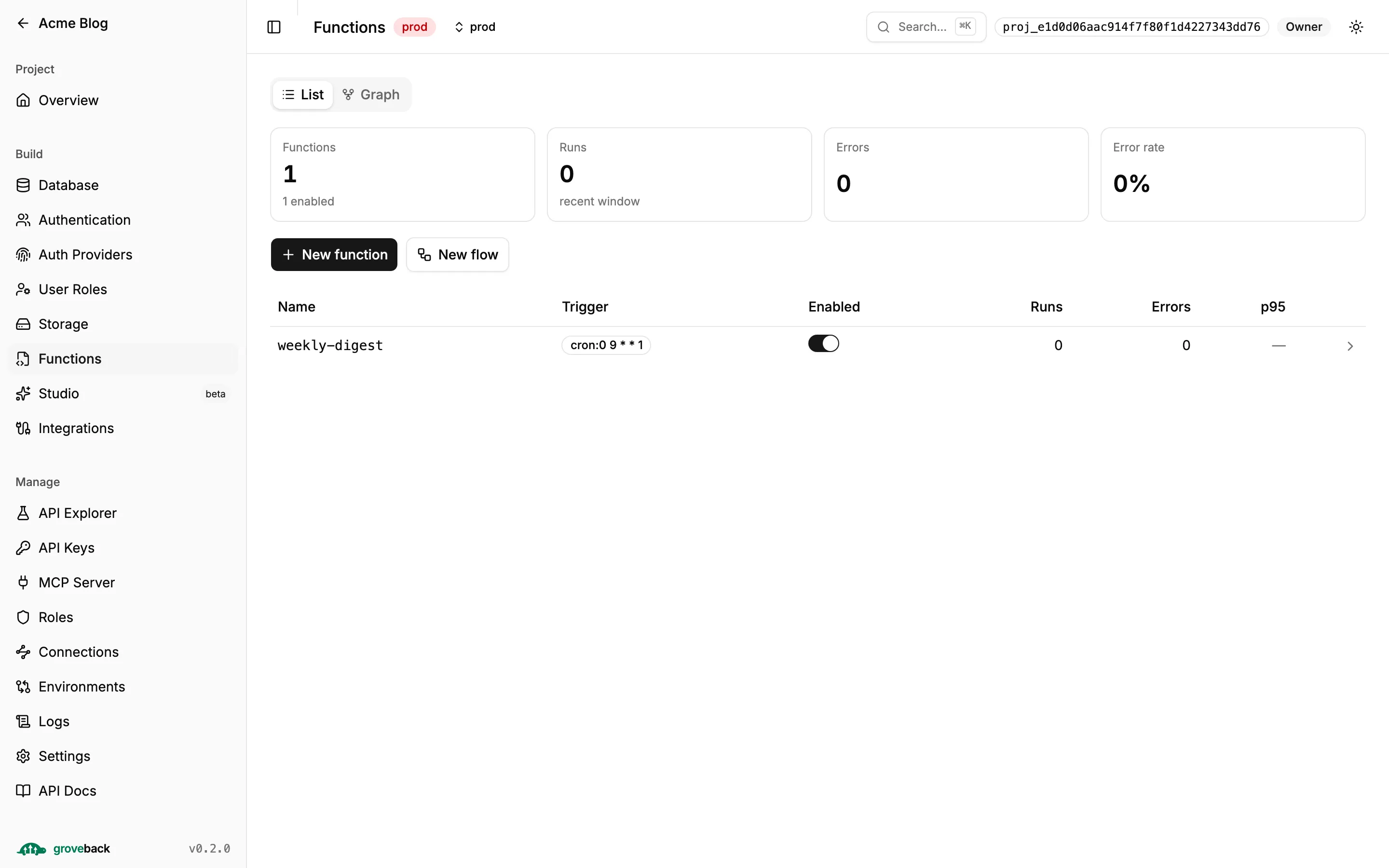
Section titled “Functions”The Monaco editor, version history and rollback, run logs, stored tests, and a visual flow
builder. The List/Graph toggle renders a data-flow view: trigger sources → functions →
the collections each one touches through ctx.db.
Integrations
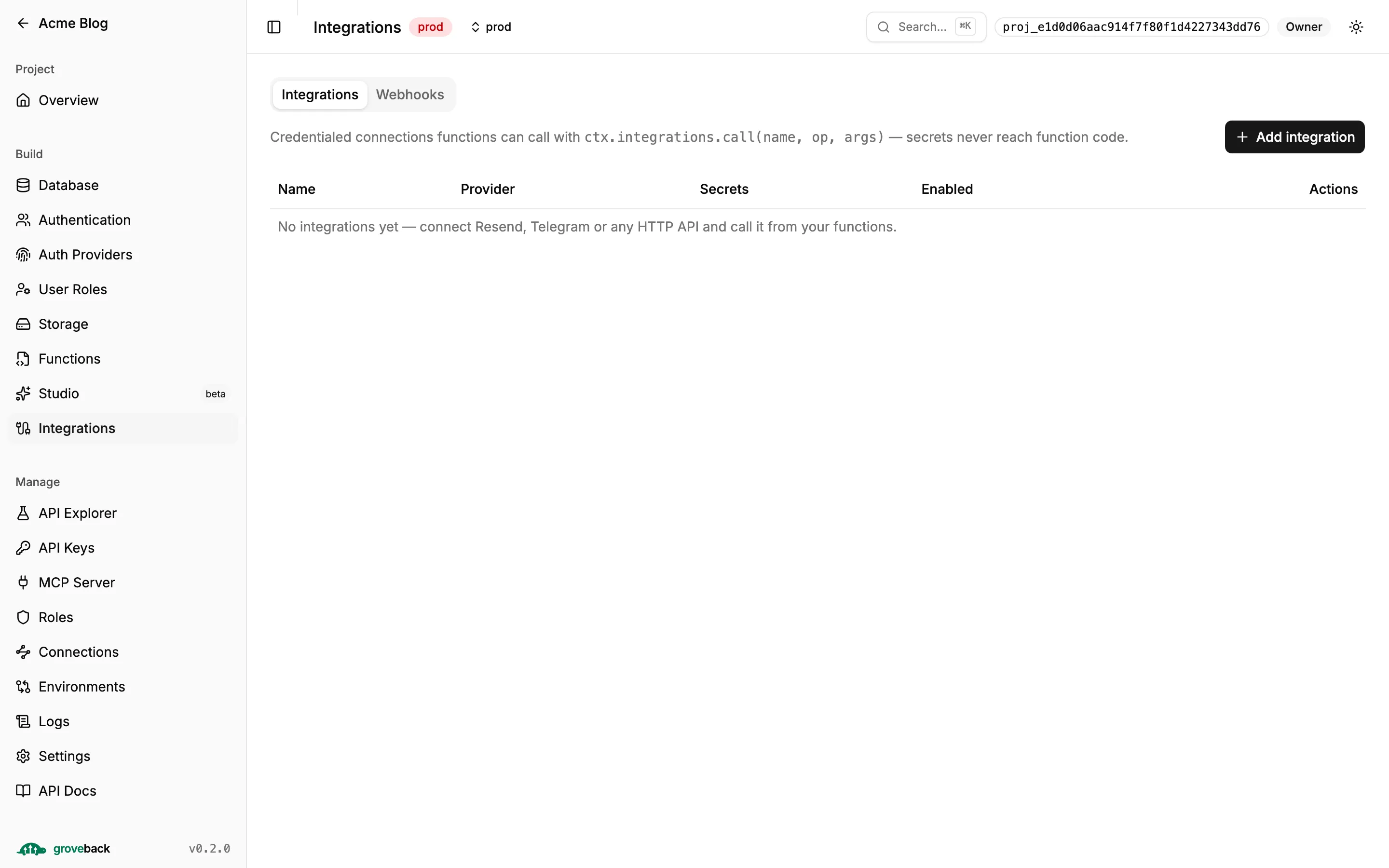
Section titled “Integrations”Per-project credentialed connections that functions call without ever seeing the secret. The test modal defaults to dry mode.
API Explorer
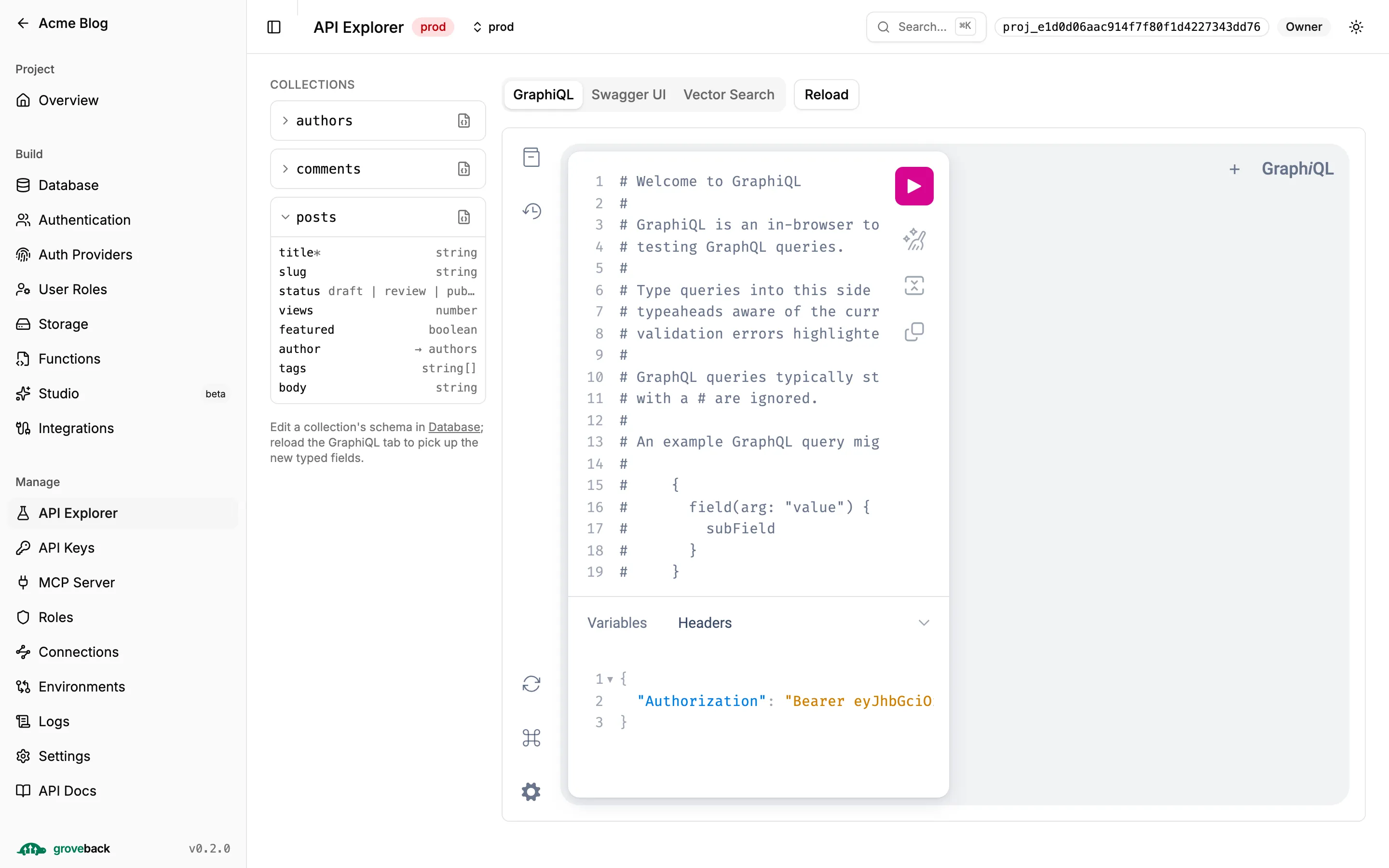
Section titled “API Explorer”GraphiQL and Swagger UI embedded and already authenticated, plus a vector-search tester. The
side panel lists your collections; click one to expand its fields — a relation shows as
→ <collection>, which is the collection a query would join to next.
API Keys
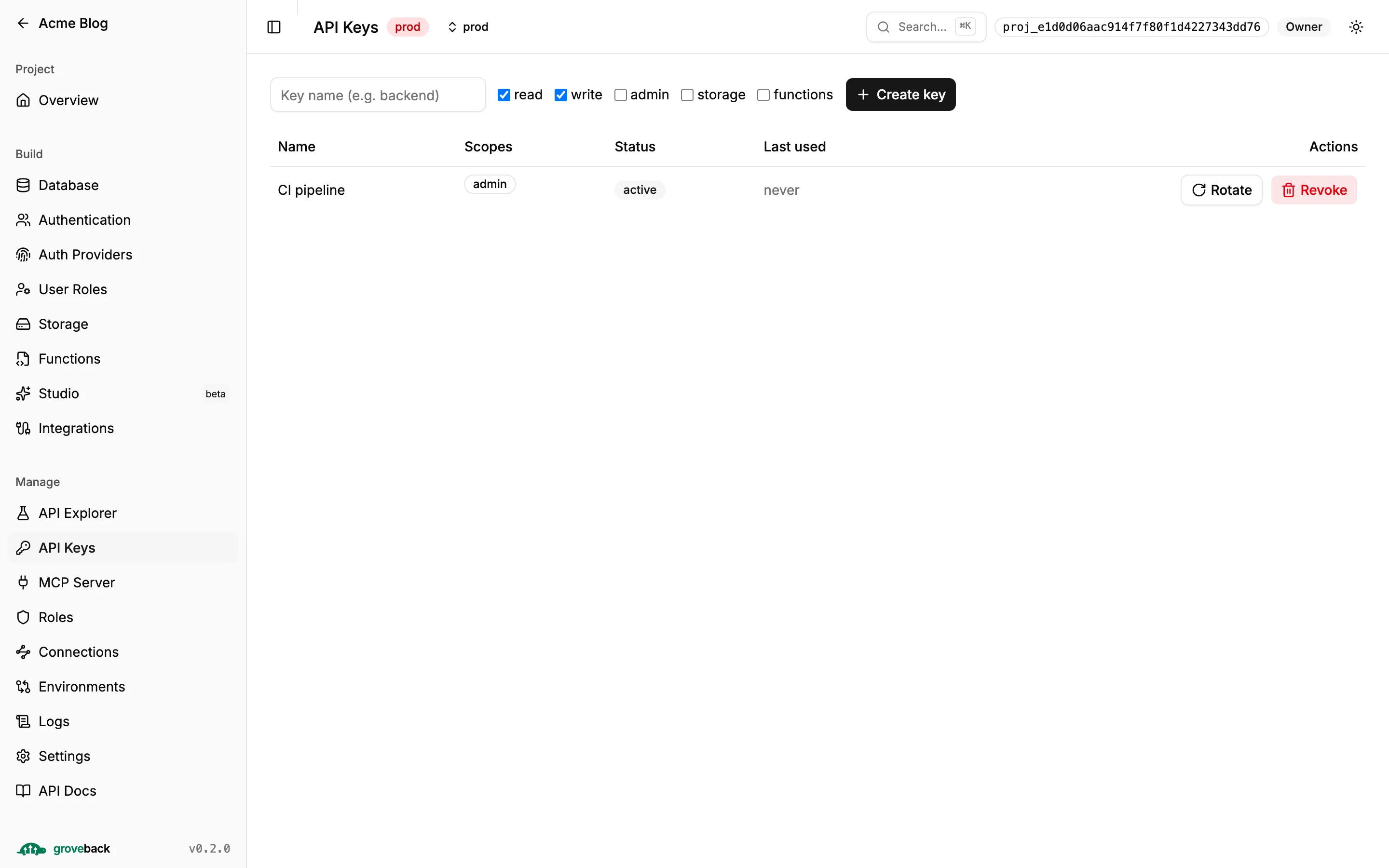
Section titled “API Keys”Mint, rotate and revoke. The raw secret is shown exactly once, at creation.
MCP Server
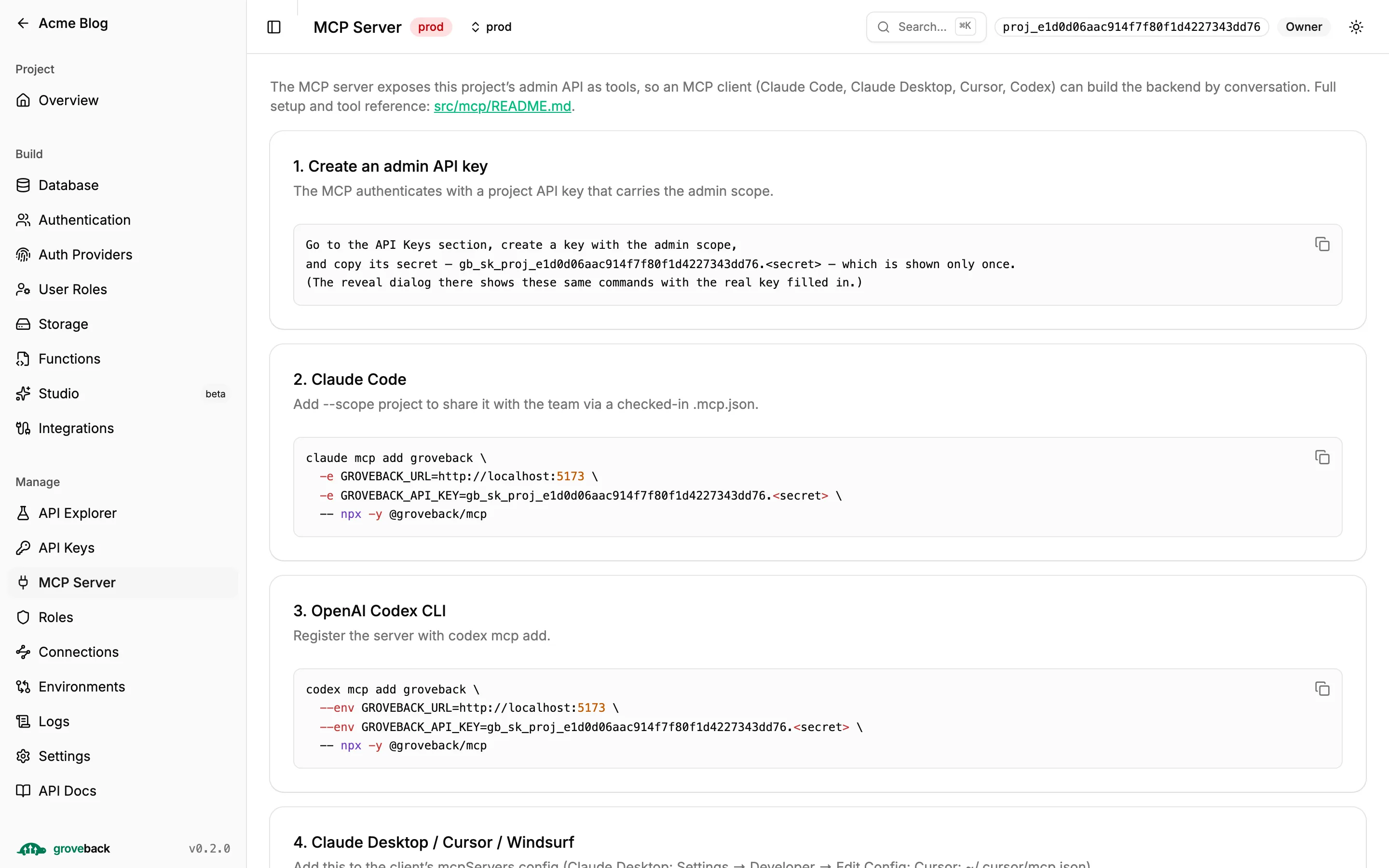
Section titled “MCP Server”Wiring instructions for the MCP admin server — the config block to paste into your MCP client.
Connections
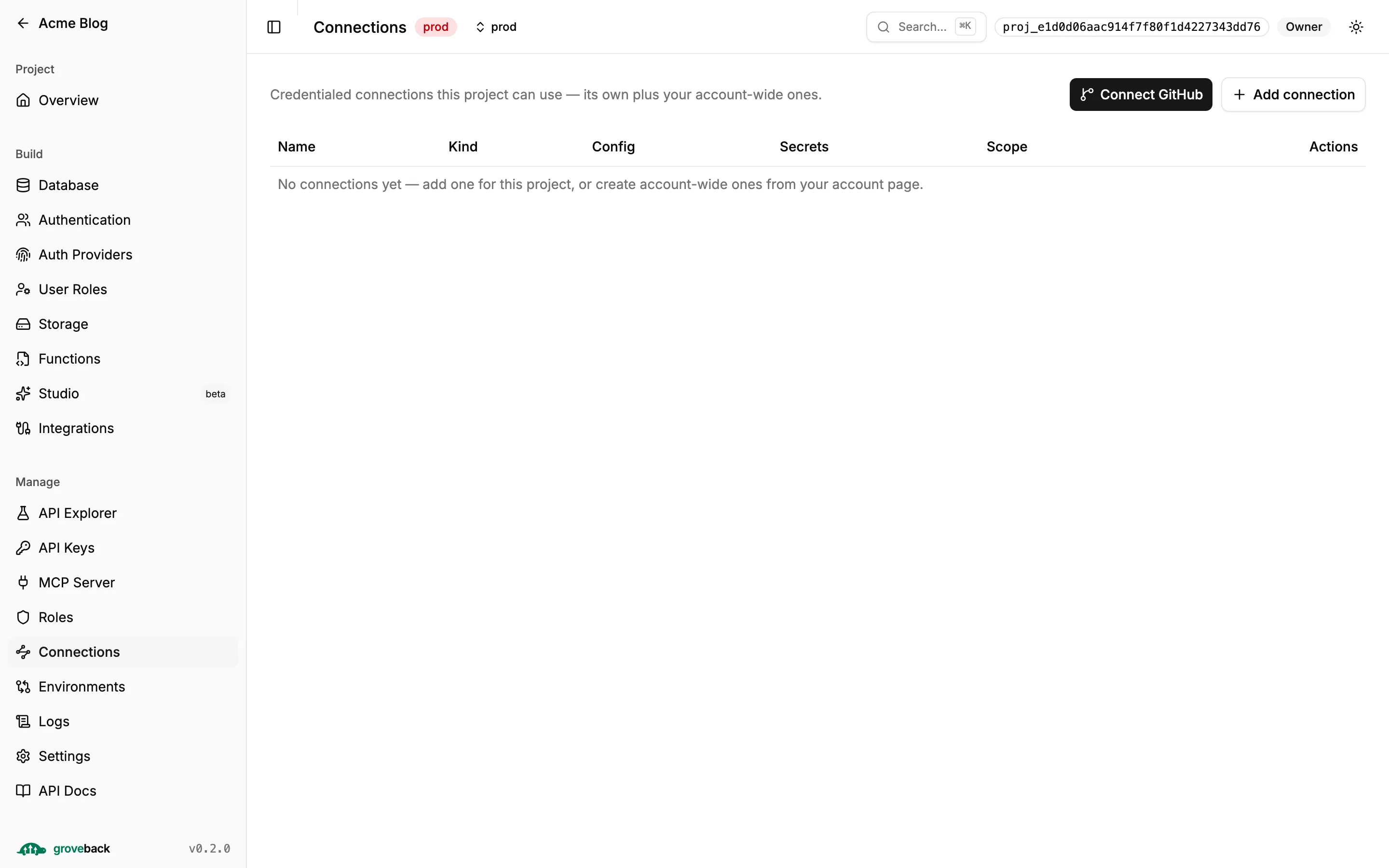
Section titled “Connections”The org and project connection registry.
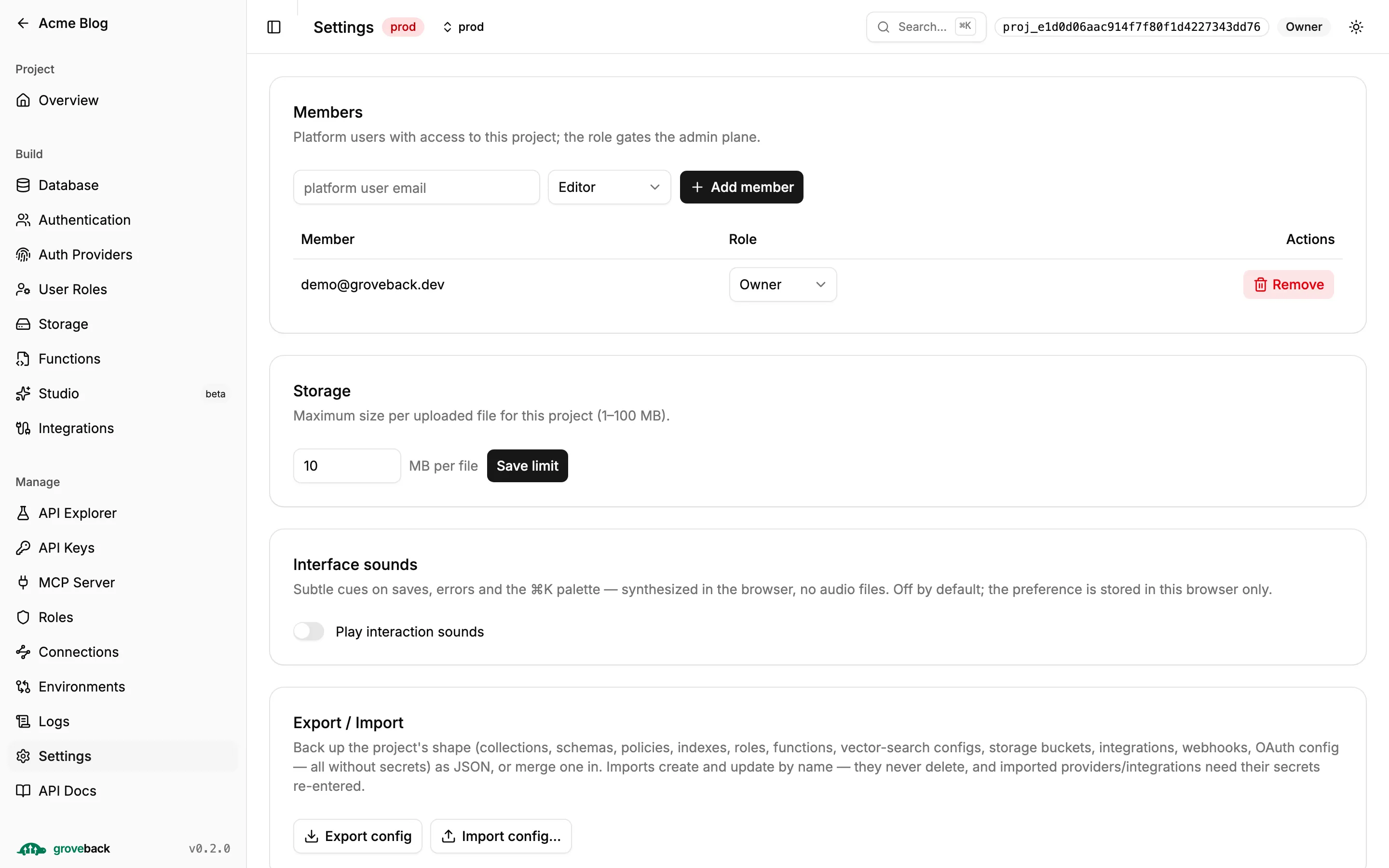
Settings
Section titled “Settings”Project name, appearance, file-size limit.
The rest
Section titled “The rest”| Section | What it does |
|---|---|
| Roles | Member roles — the other role namespace. |
| Auth Providers | Per-project Google and GitHub sign-in, plus the redirect allowlist. Each card shows the exact callback URI to register. |
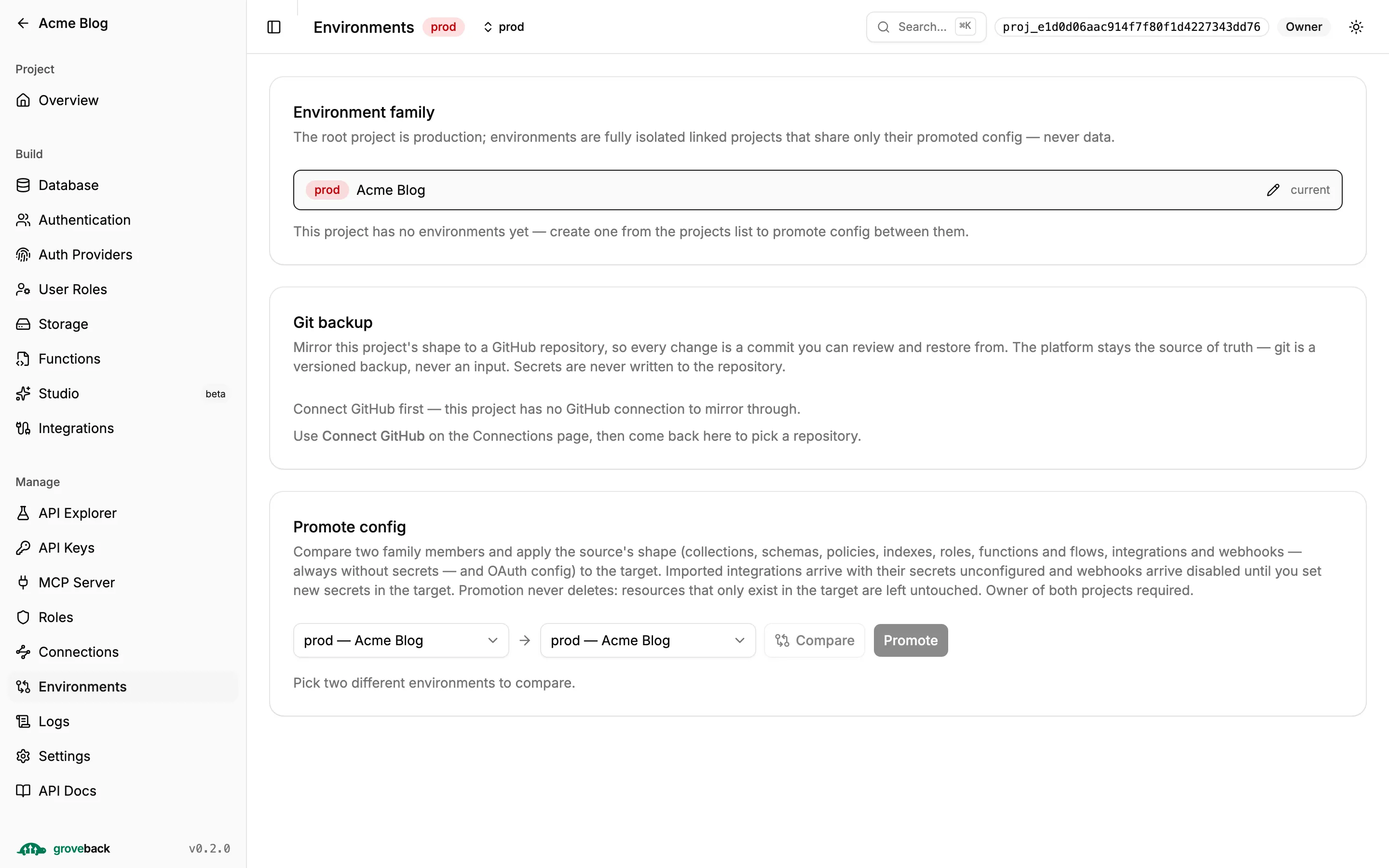
| Environments | Create environments and promote config between them, with the semantic diff rendered. |
| Logs | The append-only audit log. |
| API Docs | The OpenAPI spec, typed to your project. |
| Studio (beta) | Feature-flagged; generates a typed UI from your schemas. |
| Assistant (beta) | Feature-flagged; the turtle in the corner builds the backend from a chat, with your own permissions. See the assistant guide. |
| Local | Only under grove dev — how your bundle differs from the real project. |
Operator-only pages (Billing, Customers, Plans, Operators) render only when
GET /control/me reports the operator role.
The Local section
Section titled “The Local section”Worth understanding because of where the work happens. The comparison between your bundle and the deployed project needs the project’s admin key — and that key must never reach a web page.
So grove dev runs the comparison itself, writes a credential-free snapshot to
.grove/local-status.json, and the dashboard merely renders it. Applying stays in the
terminal.
Building it
Section titled “Building it”dashboard/dist/ is git-ignored and built in Docker and CI. Locally:
make dashboard # or: cd dashboard && bun run buildmake dashboard-dev # Vite dev server, proxying /api to localhost:8080Without a build, bun run dev falls back to a legacy embedded page.
For a compiled @groveback/server binary the dashboard is embedded at build time with a
content-hashed manifest, so a self-hosted binary serves it with no extra step.
Other built-in pages
Section titled “Other built-in pages”| Path | What |
|---|---|
/docs · /p/:pid/docs |
Swagger UI. |
/graphiql · /p/:pid/graphiql |
The GraphQL IDE. |
/examples/oauth |
A minimal OAuth login tester. |
/auth/login |
A hosted sign-in page your app can redirect to. |
/reset-password |
The hosted password-reset form. |
Git backup
Section titled “Git backup”Environments also carries Git backup: mirror the project’s shape to a GitHub repository, so every admin change becomes a reviewable commit. The platform stays the source of truth — git is a versioned backup, never an input — and secrets are never written to the repository.
Setting it up is covered in Config as code.