

End-user auth
Authentication for your app’s users — not for the developers who administer the project. Those are two separate populations with separate tokens.
The endpoints
Section titled “The endpoints”Everything lives under /api/v1/auth/. Unauthenticated POSTs are rate-limited to 10 per
minute per IP, project and action, returning 429 RATE_LIMITED with a retry-after header.
| Route | Purpose |
|---|---|
POST register |
Create a user (email, password, optional name). |
POST login |
Password sign-in → tokens, or {mfaRequired, mfaToken}. |
POST refresh |
Exchange a refresh token for a new access token. |
POST logout |
Revoke the presented refresh token. |
GET sessions · DELETE sessions/:id |
List and revoke sessions. |
POST verify-email/request · POST verify-email |
Email verification. |
POST password-reset/request · POST password-reset |
Password recovery. |
POST mfa/verify |
Complete a login with a second factor. |
POST mfa/totp/enroll · /activate · /disable |
Manage TOTP. |
The token model
Section titled “The token model”A short-lived access JWT (at most 15 minutes) plus a refresh token:
{ "sub": "user_123", "pid": "proj_abc", "role": "user", "perms": [...], "aud": "project", "claims": { "plan": "pro" }, "iat": …, "exp": … }Those claims are what a policy reads: sub becomes $auth.uid, role becomes
$auth.role, pid becomes $auth.pid, and anything in claims is reachable as
$auth.token.<name>.
Refresh tokens are single-use. Presenting one revokes the old session and mints a new one, so a stolen refresh token stops working the moment the real user refreshes.
Three audiences never interchange: project (your app’s users), control (platform users),
and mfa (a 5-minute challenge token).
What is stored
Section titled “What is stored”- Passwords: Argon2id.
- Refresh tokens, email-verification tokens, reset tokens and MFA backup codes: SHA-256 hashes only. The raw value is returned exactly once and never persisted.
passwordHashandmfaSecretsare stripped from every response.
Anti-enumeration
Section titled “Anti-enumeration”Deliberate design, so an attacker cannot use your auth endpoints to discover who has an account:
- An unknown email on login still runs a dummy password verify, so the timing matches.
password-reset/requestandverify-email/requestalways return 204, whether or not the account exists.
Email verification
Section titled “Email verification”Password login fails with EMAIL_NOT_VERIFIED (403) when the address is unverified — but
only if a mailer is configured and requireVerifiedEmail is not disabled. No mailer means
no gate, which avoids a permanent lockout on a deployment that cannot send email.
OAuth login is exempt: the provider already verified the address.
TOTP is RFC 6238 with a ±1 step window and replay protection — a step at or below the last accepted one is rejected, so a code cannot be replayed inside its own window.
The flow:
const res = await client.auth.login(email, password);if (res.mfaRequired) { await client.auth.verifyMfa(code); // TOTP or a backup code}Enrollment:
const { secret, otpauthUrl } = await client.auth.enrollTotp(); // render as a QR codeconst { backupCodes } = await client.auth.activateTotp(code); // shown exactly onceBackup codes are single-use. Disabling TOTP requires a valid current code, not merely a session — a stolen session cannot turn MFA off.
Password reset
Section titled “Password reset”Resetting a password revokes every active session for that account.
await client.auth.requestPasswordReset(email); // always resolvesawait client.auth.resetPassword(token, newPassword);The token arrives by email and is hashed at rest. Groveback also serves a hosted reset form at
/reset-password?token=…&project=… if you would rather not build one.
Sessions
Section titled “Sessions”const sessions = await client.auth.sessions();await client.auth.revokeSession(sessions[0].id);Sessions store only a refreshTokenHash, never the raw token, and carry an expiresAt TTL
index so expired rows disappear on their own.
From an administrator’s side
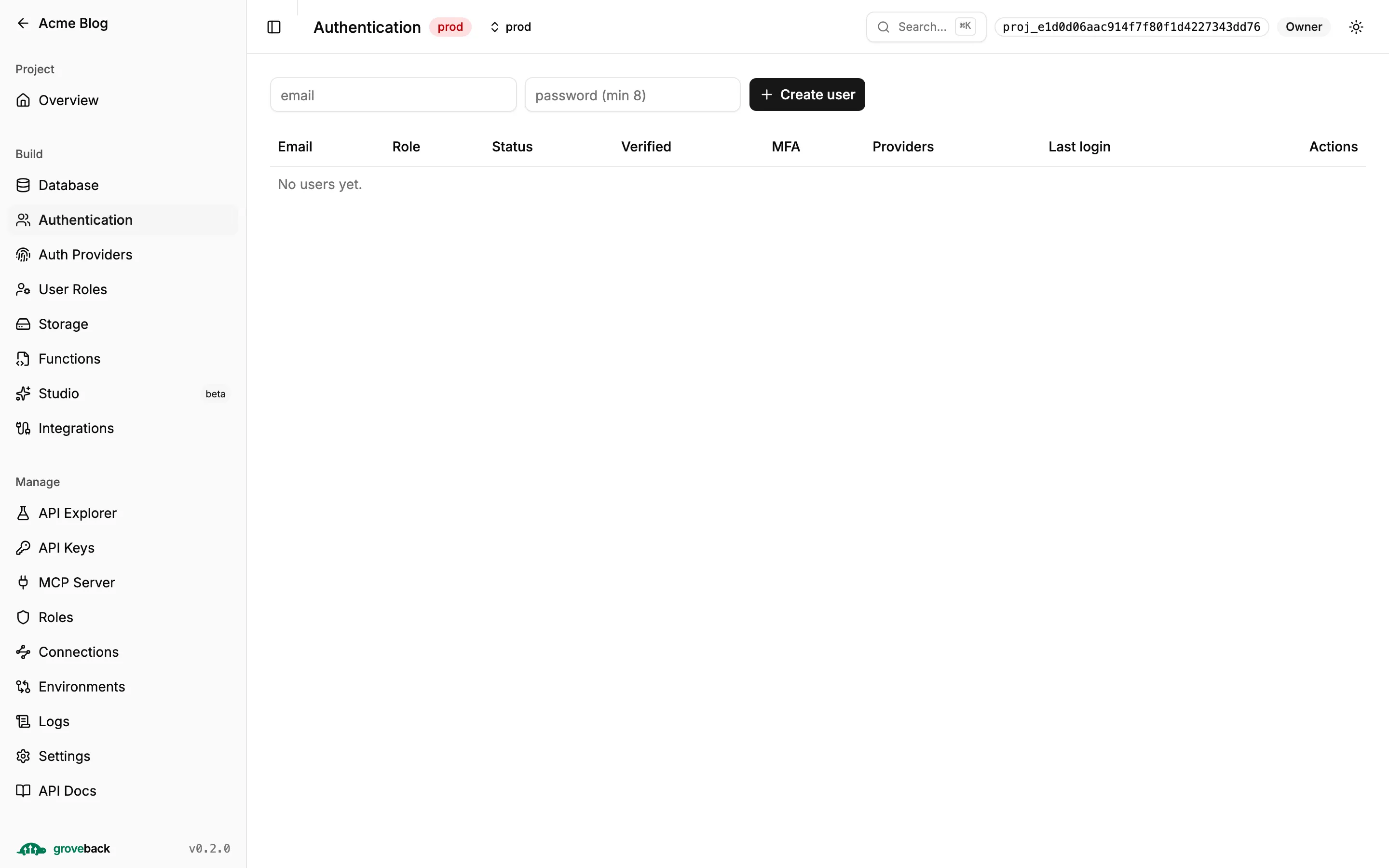
Section titled “From an administrator’s side”The admin API manages end users at /api/v1/admin/users — create, update, and three
statuses: active, disabled (recoverable, via deactivate) and blocked (a hard lock).
Any transition away from active immediately revokes all of that user’s refresh
sessions. Outstanding access tokens still expire on their own, so plan for a window of up
to 15 minutes.
Two details that catch people:
- Assigning an end-user role is done through
metadata.role. An unknown role name is rejected at write time — a typo must never silently fall back to the default. updatereplacesmetadatawholesale. There is no merge; send the full object.
In the SDK
Section titled “In the SDK”import { createClient } from '@groveback/sdk';
const client = createClient({ baseUrl: 'https://api.example.com', onTokensChanged: (tokens) => tokens ? localStorage.setItem('gb', JSON.stringify(tokens)) : localStorage.removeItem('gb'),});
await client.auth.register('a@example.com', 'correct-horse', 'Ada');await client.auth.login('a@example.com', 'correct-horse');The SDK holds the token pair in a closure and, on a 401, transparently refreshes once and
retries. A failed refresh clears the tokens and rethrows. Restore a saved session with
auth.setTokens().
Next: social login for Google and GitHub.